Vault
Every product you've saved or sourced lives in one place, so you stop losing good finds in old tabs and screenshots.
What this page is
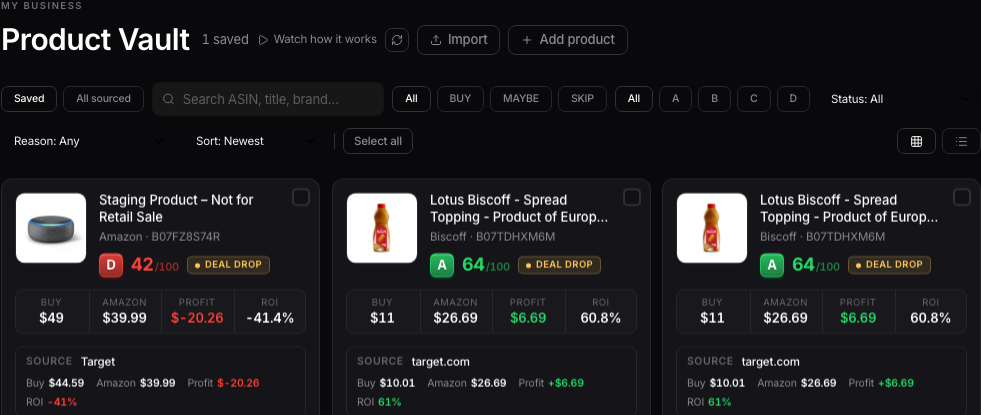
The Vault is called Product Vault in your sidebar, under My Business. Any product you've saved from the AI Analyzer, Today's Leads, or a store scan ends up here, in one list instead of scattered across tabs and screenshots.
Saved vs. everything you've sourced
At the top of the page there's a toggle with two views: Saved, and everything you've sourced. Saved is the shortlist, products you deliberately kept. The second view is a running record of every product you've ever run through the analyzer or a scan, whether you saved it or not.

Working from the Vault
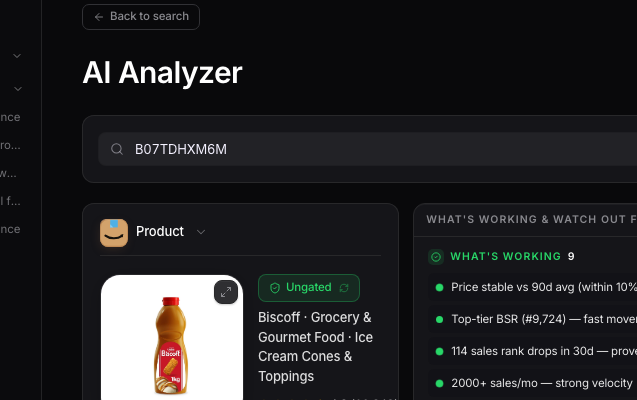
Click into any saved product to get back to its full analysis, with the Keepa chart and the Profit Calculator right where you left them. The Vault is also the natural place to come back to before you place an order, since it's your actual shortlist, not a guess.
Want to use this tool on your own catalog?
See plans