Store Scans
Point the scanner at any retailer's site and it checks every product it can reach against your profit and ROI numbers.
What this page is
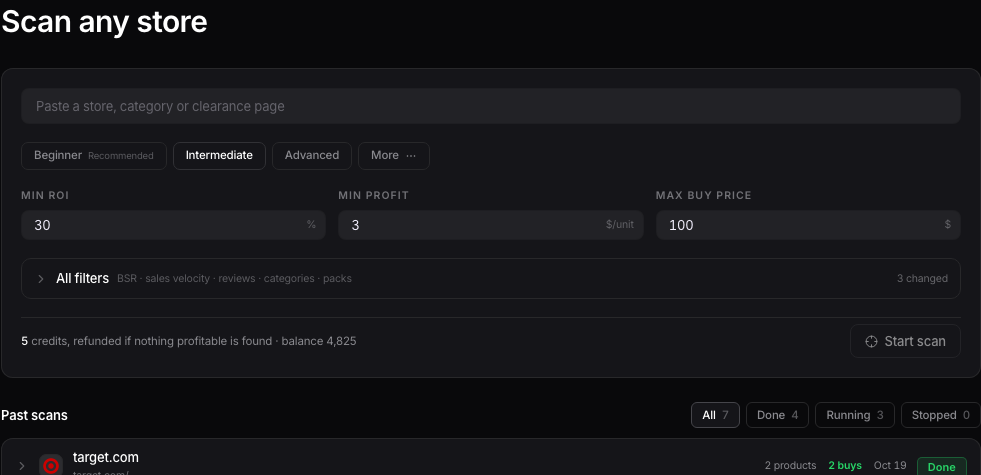
Store Scans is listed in your sidebar as AI Arbitrage Scan, and the page itself is titled Scan any store. Paste in a store, a category page, or a clearance page, and it checks what's there against Amazon and tells you what's worth buying.
Starting a scan
Paste a link into the field. If it's a bare store homepage, the scan covers the whole store. A specific category or clearance page scans just that section. The page tells you live whether it can read that link before you spend anything.

Presets and filters
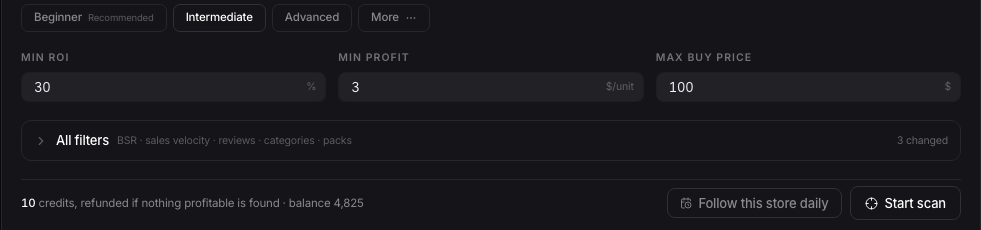
Pick a preset, Beginner, Intermediate, or Advanced, to set reasonable starting filters, or click More for a few extra ones. The three filters you'll touch most are Min ROI, Min profit, and Max price. The cost to run the scan shows right above the Start scan button, and it tells you plainly: refunded if nothing profitable is found.
While it runs, and after
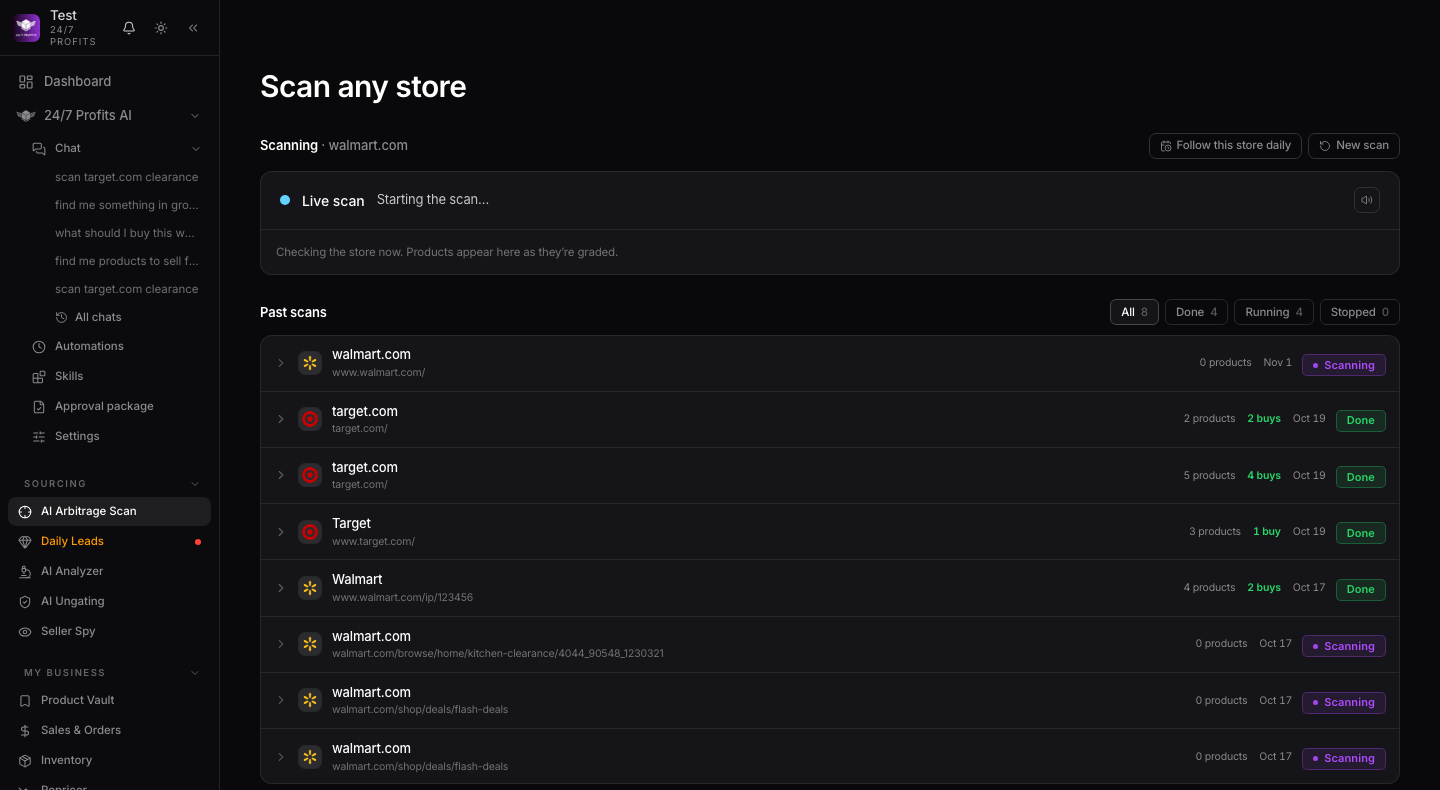
Once you hit Start scan, the page swaps to a live view so you can watch it work. When it's done, every scan you've ever run is listed below, newest first, and you can open any of them back up to see what it found. If you want 247profits to check that store again every day on its own, hit Follow this store daily.
Want to use this tool on your own catalog?
See plans