Seller Spy
Track a seller's whole Amazon storefront so you see every new listing, buy box move, and stockout without checking manually.
What this page is
Seller Spy is in your sidebar under Sourcing. It lets you track other Amazon sellers so you don't have to keep checking their storefront by hand. Once you track someone, their catalog gets scanned on a schedule and you see what changed.
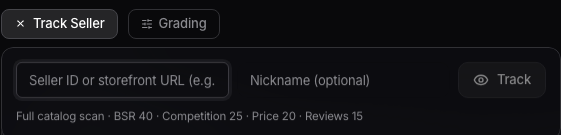
Tracking a seller
Click Track Seller and paste the seller's ID or their storefront URL (something like A2R2RITDJNW1Q6). You can add a nickname so you remember who they are later. Hit submit and they show up in your tracked list.
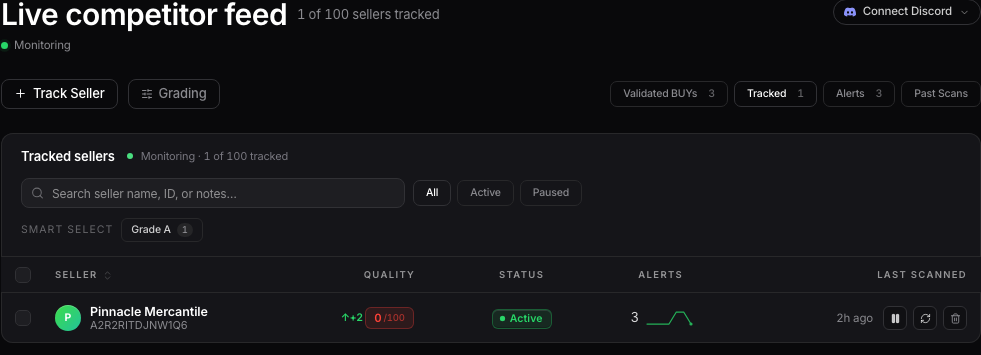
Your tracked sellers
Every seller you're tracking shows up in the Tracked view. From there you can pause or resume tracking on any of them, force a rescan of their storefront, or remove them. A badge tells you when auto-tracking is live and scanning your list every few minutes.

Grading a catalog
Use the grading controls to pull out the hits, like "Grade A hits, last 7 days," so you're not scrolling through a seller's whole catalog by hand looking for what's worth sourcing.

Want to use this tool on your own catalog?
See plans