Nova
Ask Nova, your built-in AI assistant, to source a store, grade an ASIN, or check ungating for you in plain English.
What this is
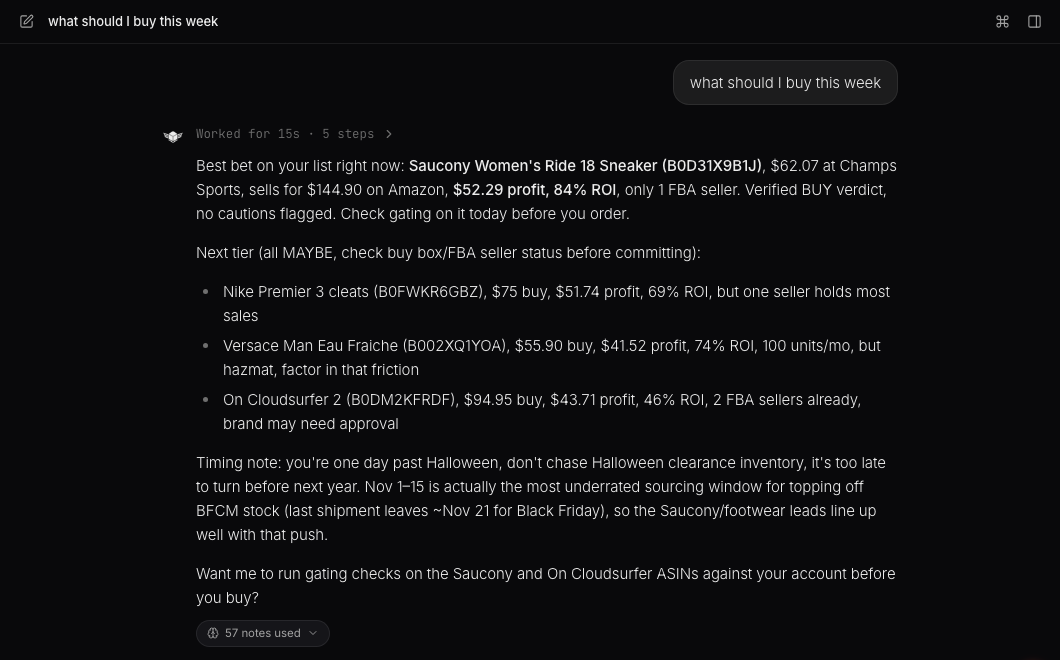
Nova is the AI assistant built into 247profits, and it lives at the AI tab in your sidebar. Instead of clicking through the Analyzer, Seller Spy, and Store Scans one at a time, you can just tell Nova what you want in plain English.

Starting a conversation
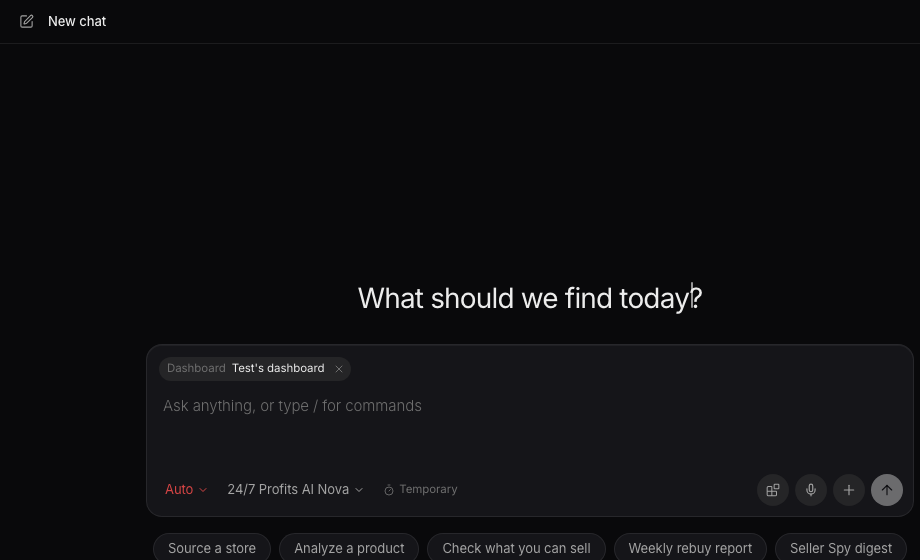
When the chat is empty, Nova greets you by name and a row of starter prompts, called playbooks, sits below the composer. Things like "Source a store," "Analyze a product," "Check what you can sell," or "Weekly rebuy report." Click one to run it, or just type your own request.

What Nova can actually do
Nova can scan a store link for you, analyze an ASIN for profit and demand, check whether a brand is open on your account, build a weekly rebuy report from what's sold, pull a digest of the sellers you're tracking on Seller Spy, find products under a brand, grade a whole seller's catalog, or run profit and demand on a pasted list of products.
Opening Nova from anywhere
You don't have to go hunting for the AI tab. Press the keyboard shortcut (Cmd+J on Mac, Ctrl+J on Windows) from any page and it takes you straight to Nova's full chat, with your composer focused and ready to type. If you're already on the Nova page, the same shortcut just refocuses the composer.
Want to use this tool on your own catalog?
See plans