Chrome Extension
Install the 24/7 Profits Chrome extension and see your profit, ROI, and Keepa chart directly on the Amazon page you're browsing.
What it is
The extension is called 24/7 Profits: FBA Analyzer, and it's a free install from the Chrome Web Store. Once it's installed and you're signed into your 247profits account, it puts your analysis right on the Amazon page you're already looking at, instead of making you copy ASINs back and forth.
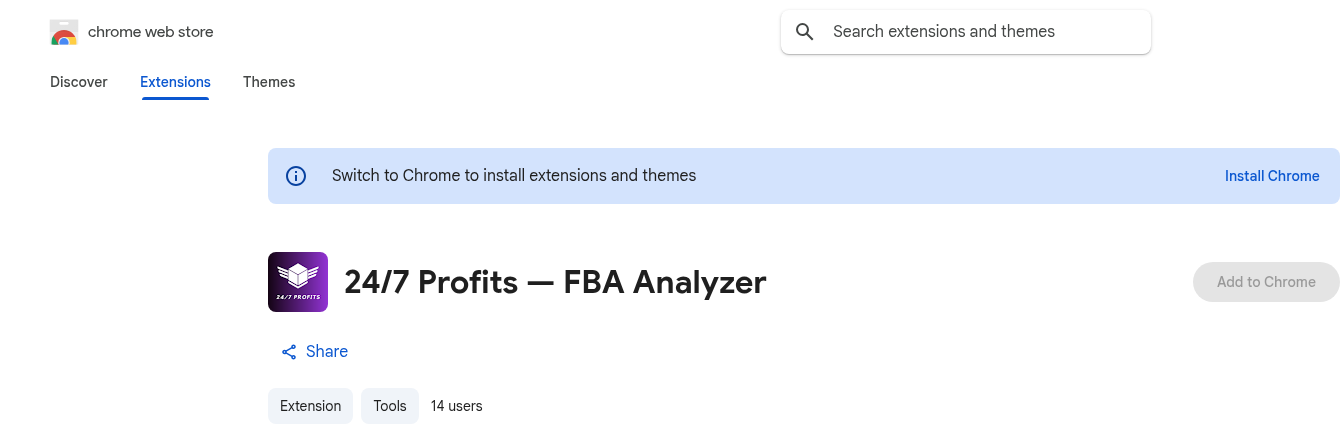
Installing it
The install link is on your dashboard and in your onboarding checklist. Click it, add the extension to Chrome, and you're done. It reads your signed-in 247profits session, so make sure you're logged into your account in that same browser.

What shows up on Amazon
Open any Amazon product page and the extension overlays:
- A BUY or PASS verdict at a glance
- Profit, ROI, and margin math, with an editable cost field
- BSR and your category sales-rank percentile
- The same Keepa-native price and sales history chart from the AI Analyzer
- A Buy Box breakdown of Amazon vs. third-party seller share
- An FBA/FBM toggle and eligibility checks
(Screenshot of the overlay on a live Amazon product page coming soon — it only renders on a real, logged-in Amazon session, so it can't be captured from the sandbox.)
On search results pages
The extension also drops a small verdict badge on every product in an Amazon search results page, so you can spot a buy without clicking into each listing one by one.
(Screenshot of verdict badges on an Amazon search results page coming soon, for the same reason.)
Want to use this tool on your own catalog?
See plans