Basics
How to sign in, pick a plan, and find your way around the dashboard before you touch any tool.
Getting into your account
247profits runs on one login. You can sign in with email and password, or with Google, Discord, or Whop if you joined that way.
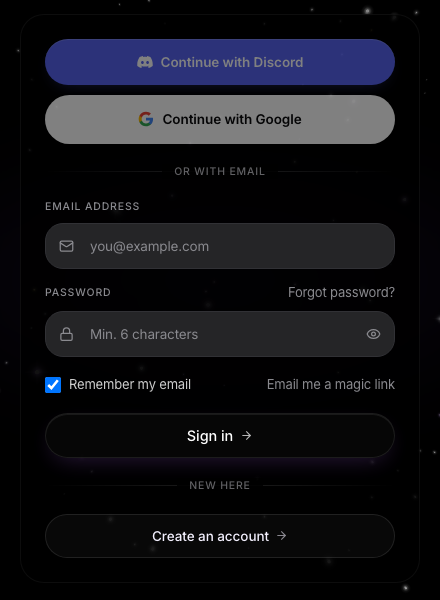
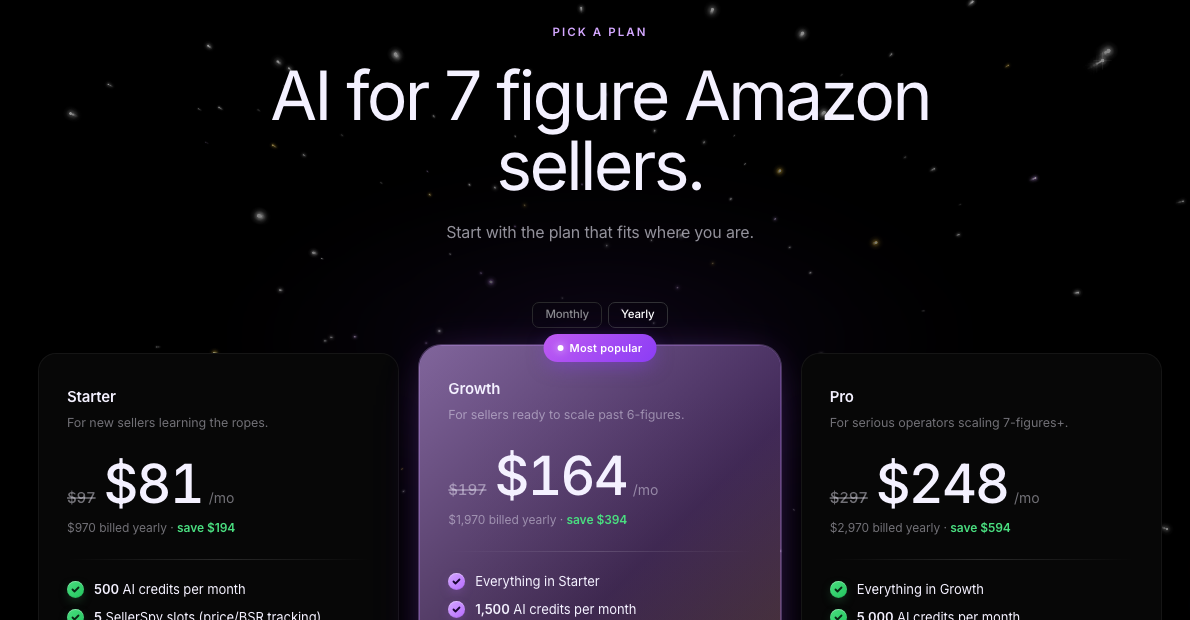
If you don't have an active plan yet, you land on the plans page instead of the dashboard. Pick a plan there and the page checks your payment for you. Once it goes through, you're dropped straight onto the dashboard.
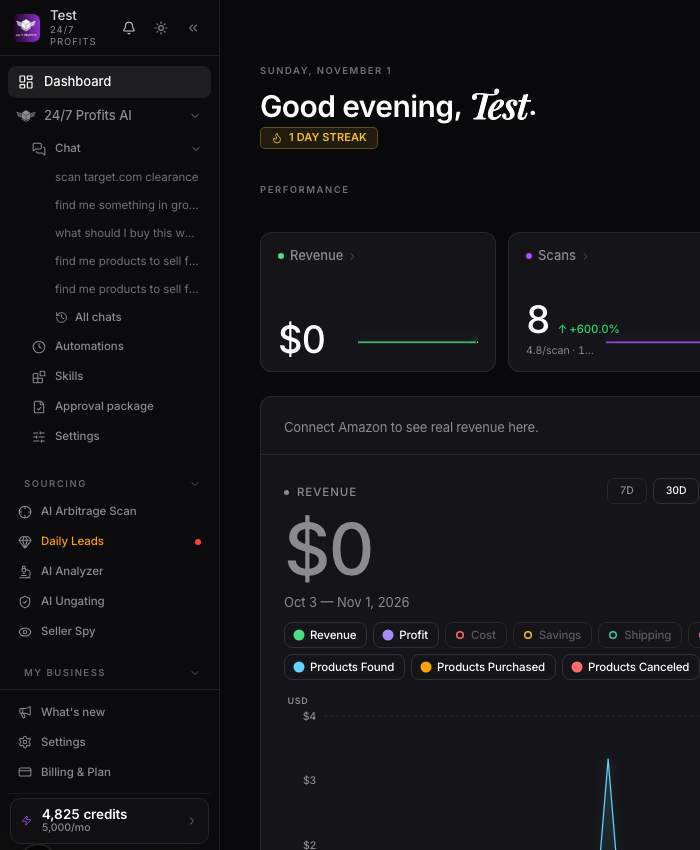
Your dashboard
The dashboard is home base. From the sidebar you've got four groups: Sourcing, My Business, Learn, and Wholesale. Sourcing is where Today's Leads, Seller Spy, Store Scans, and the AI Analyzer live. My Business holds your Product Vault, Sales & Orders, and Inventory.
Credits
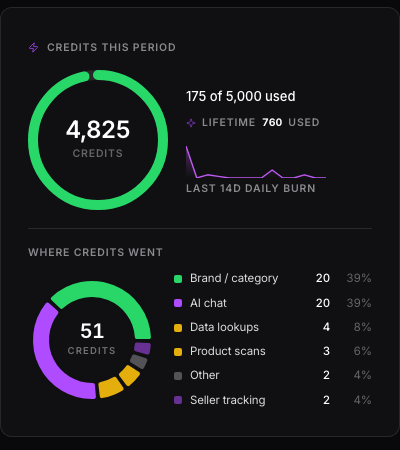
Most of the tools that touch Amazon or a retailer run on credits. You get a set number every month on your plan, and they refill on a countdown you can see on the Billing page. A store scan or an ASIN check spends credits. Scans that come back with nothing profitable refund themselves, so a dead scan doesn't cost you anything.
Where things live
Click your avatar in the bottom left to get to Settings and Billing. Settings covers your profile, your connected accounts (Google, Discord, Amazon Seller Central), notifications, and privacy. Billing is your plan, credits, and invoices. We'll cover both of those in detail in the last lesson.
Want to use this tool on your own catalog?
See plans