Account & Billing
Where to see your plan, your credit balance and refill date, your invoices, and the account settings that control everything else.
Billing
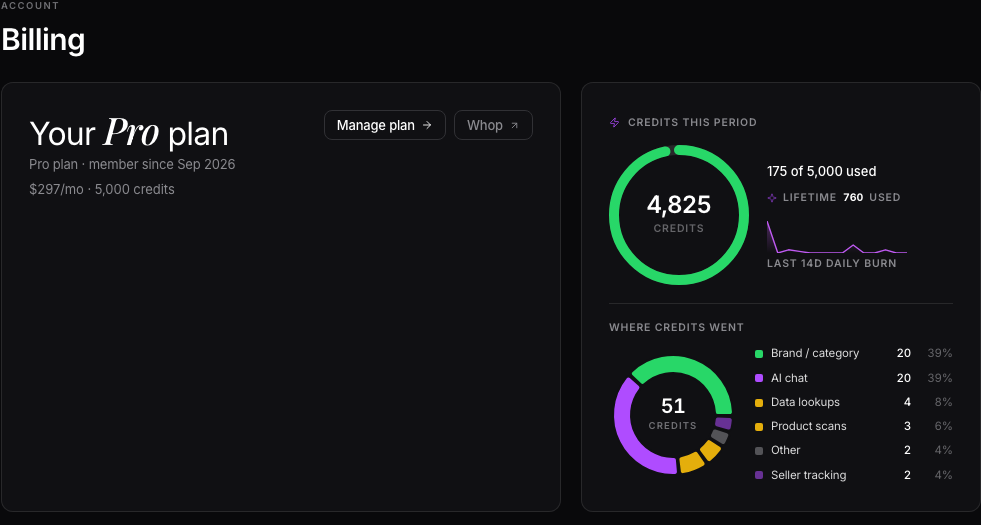
Billing shows your current plan and credit balance side by side at the top of the page, with a countdown that tells you exactly when your credits refill, like "Refills in 4 days, 6 hours." Below that is an activity timeline of what you've spent credits on, and a plans grid if you want to switch tiers, with a monthly/annual toggle.
Buying extra credits and invoices
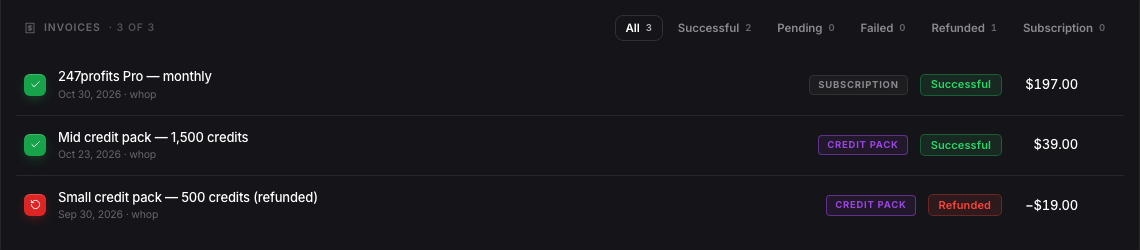
If you need more credits before your refill, there's a pack picker below the plans grid, from a 500-credit Small pack up to a 15,000-credit Whale pack. Further down, every completed charge, successful or refunded, is listed as an invoice with a status label and the total you've invested. Pending or failed charges don't show here; this list is your record of what actually went through.
Pausing or changing your plan
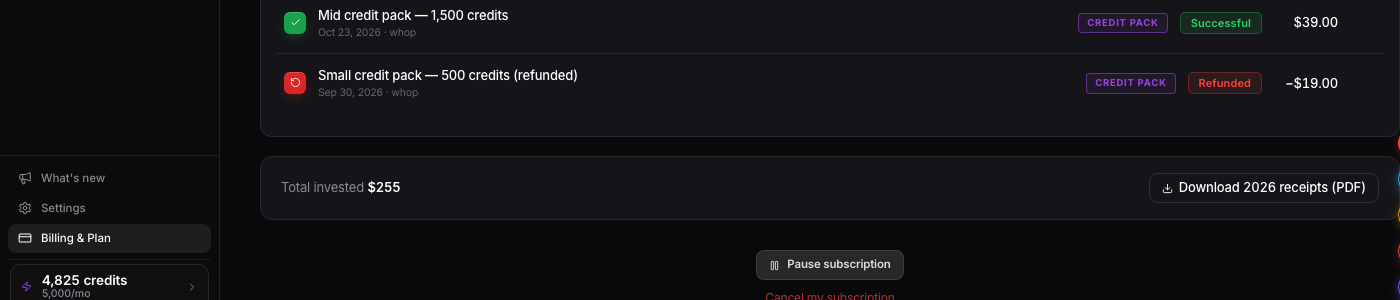
If you need to pause instead of cancel outright, that option sits on the Billing page too, below your invoices and clearly separate from the plan cards so you don't hit it by accident.
Settings
Settings is a separate page from Billing, reached from the same avatar menu, bottom left. It's split into six tabs: Profile, Integrations, Notifications, Billing, AI, and Privacy. Profile is your name, avatar, and a few details about your business. Integrations is where you connect Google, Discord, Gmail, and your Amazon Seller Central account. The AI tab controls Nova's settings. Privacy covers data export and account deletion.

Want to use this tool on your own catalog?
See plans